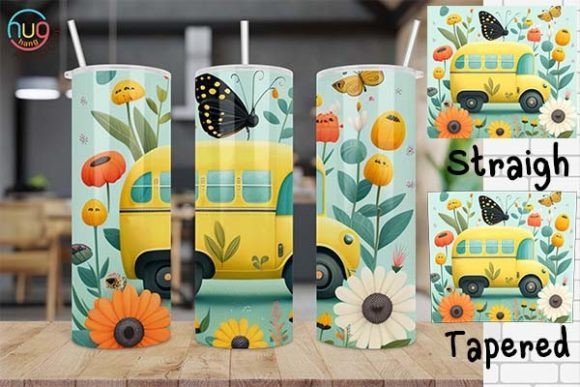
Cute School Bus Driver Skinny Tumbler
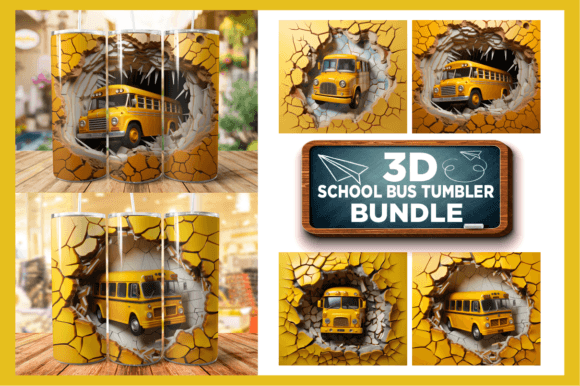
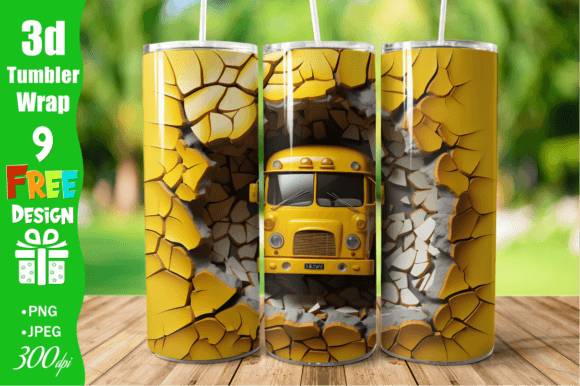
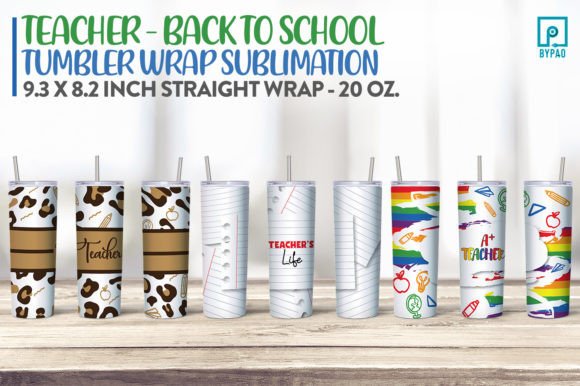
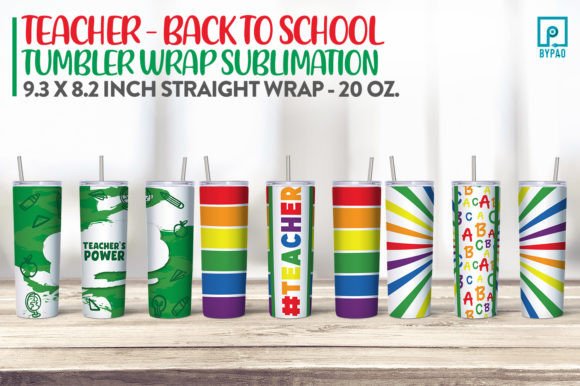
If you're designing custom drinkware for school staff appreciation, back-to-school events, or small-batch merchandise, the Cute School Bus Driver Skinny Tumbler digital design is a thoughtful, on-brand option. It’s not a physical tumbler—it’s a ready-to-use sublimation wrap file set designed specifically for 20 oz skinny tumblers, delivered instantly as two PNG files: one straight and one tapered. This flexibility helps creators adapt to different tumbler profiles without distortion. Educators, print-on-demand sellers, PTA organizers, and small business owners often use these designs to create heartfelt gifts—like “World’s Best Bus Driver” tumblers—for transportation staff who rarely get spotlighted.
Why People Choose This Design (and What They Often Overlook)
Many buyers are drawn to the cheerful, kid-friendly illustration style and the fact that it’s labeled “school bus driver”—a niche that’s underserved compared to teacher-focused designs. That specificity matters: it signals recognition for an essential role. But here’s where things go sideways. Some assume the listing includes a printable PDF guide, a layered PSD file, or even a mockup template. It doesn’t. It’s strictly two PNGs—no instructions, no color profiles, no bleed settings. That’s fine if you already know how to prep files for sublimation presses or heat presses—but confusing for beginners.
Another frequent oversight? Assuming “pre-sized for 20 oz” means plug-and-play across all brands. In reality, “20 oz skinny tumbler” isn’t standardized. A Yeti Rambler 20 oz has different dimensions than a generic stainless steel tumbler from a wholesale supplier. The straight PNG may fit well on one brand; the tapered version might be needed for another. Skipping a quick measurement step—or assuming your printer’s default tumbler profile matches the design’s proportions—can result in warped text, cut-off graphics, or misaligned edges.
Mistake #1: Applying Without Checking DPI and Transparency
PNG files preserve transparency, which is essential for clean sublimation edges—but only if your design software respects alpha channels. Some free editors flatten transparency by default. If you open the Cute School Bus Driver Skinny Tumbler PNG in a basic image tool, resize it, and save as JPG (even unintentionally), you’ll lose the transparent background. That creates white halos around the bus or driver when pressed onto colored tumblers. Solution: Always keep your working file as PNG. Confirm transparency is intact before sending to your press or POD platform. Use tools like GIMP, Affinity Photo, or Adobe Photoshop—not MS Paint or online converters—when editing.
Mistake #2: Ignoring Color Mode and Gamut Shifts
This design is created in RGB, which works well for screen viewing and most sublimation workflows. But if you’re converting to CMYK for offset printing (e.g., vinyl decals instead of sublimation), colors—especially bright yellows and sky blues—can dull unexpectedly. The cheerful yellow of the school bus may turn mustard; the blue sky may mute to grayish teal. Solution: Test a small batch first. Print a sample on your intended substrate and compare side-by-side with the on-screen PNG. Adjust saturation or brightness *slightly* in RGB *before* final export—not after conversion.
Mistake #3: Assuming “Instant Download” Means “Ready for All Presses”
Yes, you get files fast—but “instant” doesn’t mean “universal.” Sublimation printers vary in calibration, ink density, and heat consistency. One user reported vibrant results on their Sawgrass SG400 but faded output on a lower-cost Cricut EasyPress 2 setup. Why? The latter lacks precise time/temperature control, and the PNG wasn’t pre-adjusted for lower-heat transfer. Solution: Treat the PNG as a starting point—not a finished press-ready file. Add a subtle 5–10% brightness boost and sharpen edges lightly if your press runs cooler. Keep notes on what adjustments worked for your specific equipment.
What to Verify Before You Buy or Use
Before downloading or applying the Cute School Bus Driver Skinny Tumbler design, ask yourself three questions:
- Do I know my tumbler’s exact height, top diameter, bottom diameter, and taper angle? Measure with calipers or a flexible tape. Compare those numbers to the PNG’s pixel dimensions and aspect ratio. Most listings don’t include a dimension chart—so do this yourself.
- Am I using a workflow that preserves transparency and avoids unintended compression? Avoid saving over the original PNG. Create a duplicate, name it clearly (e.g., “CuteBusDriver_Yeti20oz_v2.png”), and export only when fully ready.
- Is my sublimation paper and press calibrated for light-colored stainless steel? These designs assume white or silver tumblers. Pressing onto rose gold or matte black requires different base layers or alternative techniques—not supported by the PNG alone.
Better Alternatives When This Isn’t the Right Fit
If you need editable vector files (for scaling without quality loss), layered PSDs (to tweak individual elements), or SVG versions (for cutting machines), this isn’t the right product—even though the title mentions “School Tumbler Digital Designs.” Look instead for bundles labeled “vector + PNG” or “editable school sublimation pack.” Similarly, if you’re sourcing for bulk gifting and need coordinating items (mugs, tote bags, lanyards), search for “school bus driver gift bundle,” not just tumbler wraps.
And if you’re new to sublimation entirely, consider pairing this download with a beginner-friendly resource—like a short video tutorial on tumbler wrap alignment or a printable ruler guide for common sizes. Many creators skip that step, then blame the design when alignment drifts. In truth, it’s rarely the art—it’s the setup.
A Final Note on Value and Realistic Expectations
The Cute School Bus Driver Skinny Tumbler digital file delivers exactly what it promises: two well-crafted, school-themed PNGs sized thoughtfully for popular 20 oz formats. Its strength lies in clarity, theme relevance, and instant access—not bells and whistles. When used intentionally—with attention to your hardware, materials, and workflow—it produces warm, professional results that resonate with drivers, families, and school communities alike. Just remember: great design needs grounded execution. Measure twice, press once, and always test before committing to a full order.