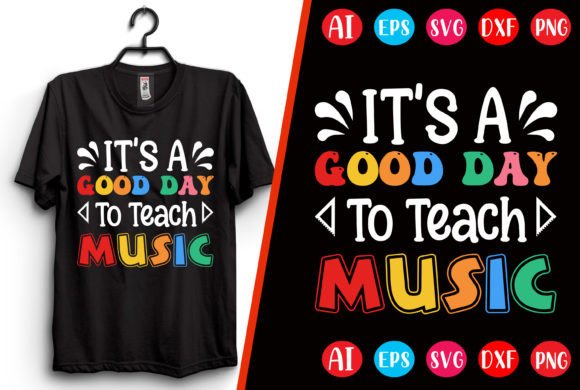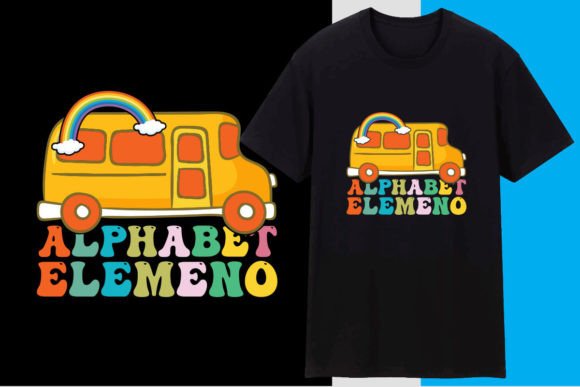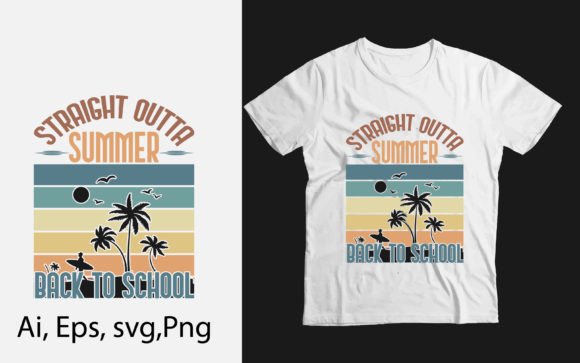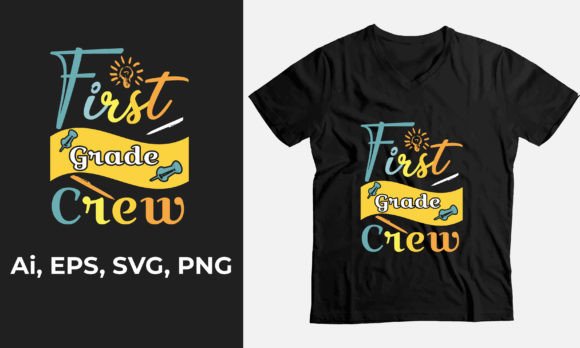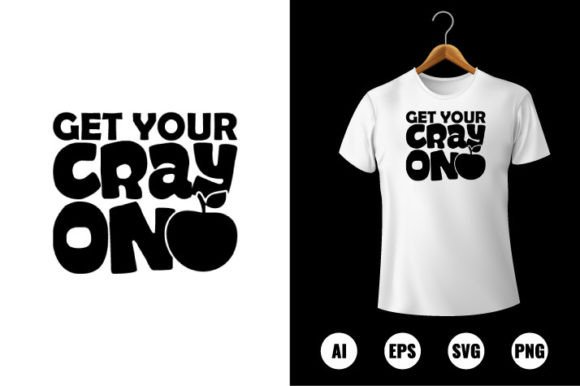
Get Your Cray On T-Shirt Design
“Get Your Cray On” isn’t just playful slang—it’s an invitation to reclaim color, energy, and unfiltered self-expression. This Back to School T-shirt design taps into that joyful, slightly irreverent spirit while delivering serious creative utility. Designed for real-world use—not just aesthetics—it’s a versatile digital asset built for makers who value both personality and precision.
At its core, the Get Your Cray on T-shirt Design is a fully editable vector pack optimized for production across multiple mediums: apparel printing, vinyl cutting, laser engraving, sticker creation, canvas art, scrapbooking layouts, classroom decor, and printable party kits. Its strength lies not in complexity, but in thoughtful construction—every element serves function without sacrificing flair.
Why This Design Fits Real Creative Workflows
Unlike static raster graphics or over-designed illustrations, this pack ships with AI, EPS, PNG, and SVG files—all print-ready at 300 DPI and built in Adobe Illustrator CC. That means no pixelation when scaling from a toddler-sized onesie to a large-format wall banner. Every shape is 100% vector-based, infinitely resizable and fully layered. You’re not just downloading an image—you’re getting a working toolkit.
The color palette is intentionally open: all elements are 100% color-changeable. Swap crayon tips from neon pink to muted sage in seconds. Adjust text fill to match school branding, team colors, or seasonal palettes. No need to trace or rebuild—just select, recolor, and reposition. That flexibility saves hours for educators prepping classroom materials, small-batch apparel sellers launching fall collections, or marketers designing event swag.
Creative Applications Beyond the T-Shirt
While “T-shirt design” is in the name, the real value unfolds when you move beyond fabric:
- Classroom & Learning Tools: Print oversized crayon cutouts for bulletin boards, turn the design into flashcards for color-word matching, or layer it onto editable student award certificates. Teachers report higher engagement when learning materials reflect playful authenticity—this design delivers that tone without feeling childish.
- Small Business Branding: A coffee shop launching a “Back to School Brew” promotion can integrate the crayon motif into menu boards, loyalty cards, and window decals—keeping visual continuity across physical and digital touchpoints.
- DIY Craft Kits: Hobbyists and Etsy sellers use the SVG files for Cricut and Silhouette machines to create custom iron-on transfers, wooden keychains, or acrylic desk organizers—each piece retaining crisp edges at any size.
- Digital Content: Bloggers and educators embed the PNG version (with transparent background) into Canva presentations, Pinterest pins, or Instagram story templates—adding visual consistency to educational content around creativity, growth mindset, or classroom routines.
Adapting for Different Audiences—and Intentions
What makes this design especially useful is how easily it shifts tone based on context. With minimal edits, it supports vastly different goals:
A university orientation team might simplify the layout—removing decorative swirls, tightening kerning on “Get Your Cray On,” and pairing it with a clean sans-serif subline like “Welcome to Your First Year.” The result feels energetic but mature, aligning with older students’ expectations.
A homeschool co-op could add hand-drawn-style stars or doodle borders, then export as printable PDFs for coloring sheets or weekly planner stickers. Here, the emphasis isn’t polish—it’s warmth and approachability.
For a youth-focused nonprofit running after-school art programs, swapping the crayon bundle for culturally inclusive skin-tone options or adding ASL-inspired hand glyphs turns the design into a tool for representation—not just decoration.
Keeping It Clear, Consistent, and Original
Strong design reuse starts with smart organization. Inside the file package, layers are named logically (e.g., “Crayon_Orange,” “Text_Outline,” “Shadow_Layer”), making edits intuitive—even for users with intermediate Illustrator skills. To maintain clarity across adaptations:
- Limit your palette. Stick to 3–4 core colors per project. Use the built-in color swatches as anchors, then adjust brightness or saturation—not hue—to create variations.
- Respect hierarchy. If using text, ensure legibility at 12 inches viewing distance (standard for apparel). Avoid stacking too many effects—drop shadows or glows often don’t translate cleanly to screen printing or heat transfer vinyl.
- Test before scaling. Zoom out to 25% view to check balance and spacing. What looks tight up close may feel cramped on a garment chest print.
- Document your changes. Save versions with descriptive names (“CrayOn_SchoolSpirit_RedWhiteBlue” or “CrayOn_Homeschool_Pastel”) so you can iterate confidently later.
Ideas That Spark Action—Not Just Inspiration
Try these grounded, low-lift projects to get started quickly:
- Teacher Welcome Kit: Combine the crayon icon with a simple “You Belong Here” phrase in a clean font. Print on kraft paper tags, attach to pencils or notebooks, and hand out during meet-the-teacher night.
- Student-Led Design Challenge: Give middle schoolers access to the SVG file (via free online vector editors like Vectr or Inkscape), and task them with redesigning one crayon to represent their favorite subject—then display digitally or as printed gallery walls.
- Local Business Collab: Partner with a neighborhood bookstore to co-brand tote bags: their logo + your crayon graphic + “Read. Create. Grow.” Text. Split production costs and cross-promote via email and social.
- Printable Growth Tracker: Use the crayon outline as a progress bar—color in each segment as students complete reading goals, science experiments, or kindness challenges.
This isn’t about chasing trends. It’s about having reliable, expressive assets that respond to your actual needs—whether you’re pressing shirts for a PTA fundraiser, building curriculum visuals, or prototyping a new product line. The Get Your Cray on T-shirt Design works because it’s engineered for doing, not just displaying.
When tools feel intuitive and outcomes feel intentional, creativity stops being something you schedule—and becomes how you solve, connect, and show up.