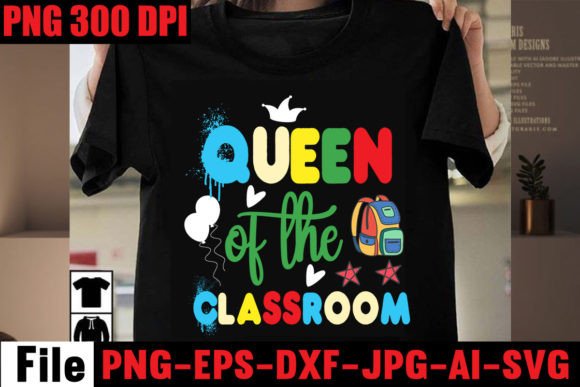
Queen of the Classroom: Smart, Stress-Free Back-to-School Design Files — No Guesswork Needed
If you've ever spent 45 minutes troubleshooting a misaligned SVG in Silhouette Studio—or discovered too late that a “Cricut-ready” file lacks layers for multi-color vinyl—you know how quickly creative excitement turns into frustration. Queen of the Classroom isn’t just another back-to-school SVG bundle. It’s a thoughtfully built, cross-platform digital download designed to save time, reduce trial-and-error, and deliver professional results—whether you're printing a first-day-of-kindergarten shirt or crafting classroom welcome signs.
What You’re Actually Getting (and Why It Matters)
This isn’t a single-file download disguised as a bundle. Your purchase delivers one clean .zip file containing five distinct, production-ready formats:
- SVG — Fully layered and grouped for Cricut Design Space (no ungrouping nightmares, no hidden duplicate paths)
- DXF — Optimized for Silhouette Studio, with precise cut lines and no extraneous anchor points
- EPS — A true vector format for scalable use in Illustrator, Inkscape, or print shops
- PNG (300 DPI, transparent background) — Crisp for overlays, digital invitations, or sublimation mockups
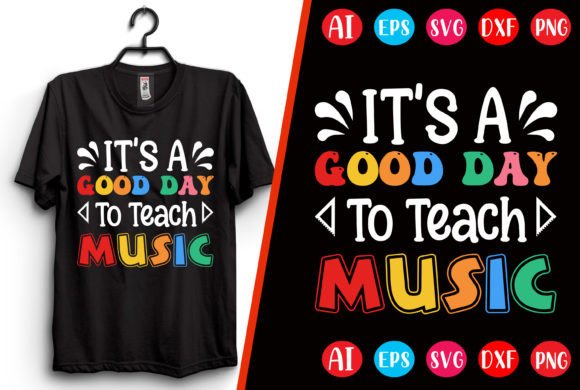
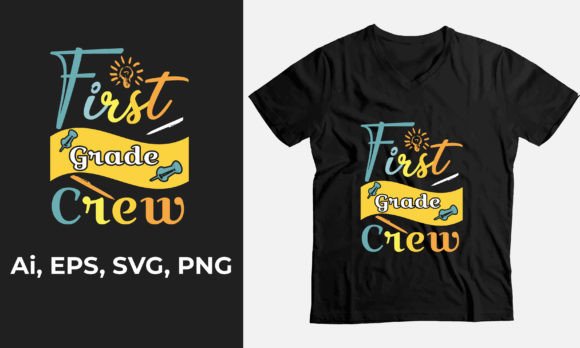
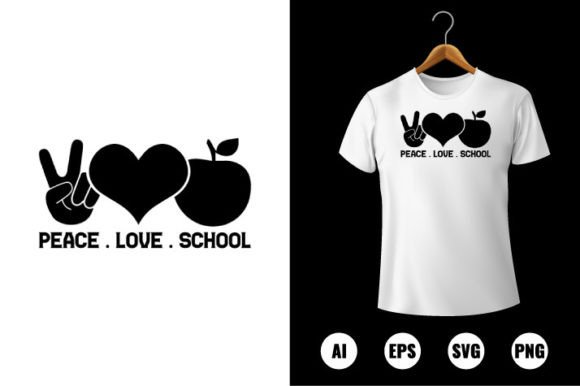
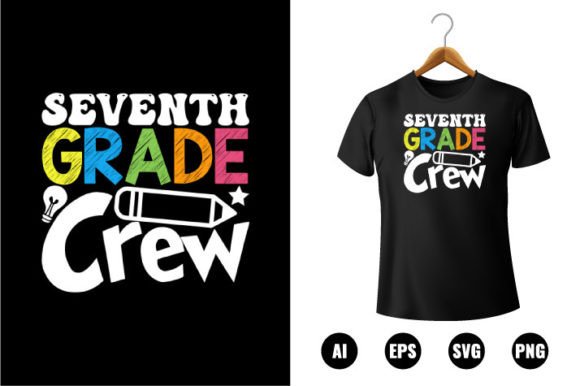
- JPEG mockup — A realistic, well-lit photo of the design applied to a shirt—ideal for social previews or client pitches
That variety isn’t just convenience—it’s flexibility. A teacher creating bulletin board letters needs clean vectors. A small-batch apparel seller needs high-res PNGs for heat transfer previews. A homeschool parent making laminated flashcards needs DXF compatibility with their older Silhouette Cameo model. Queen of the Classroom covers all those use cases without forcing workarounds.
A Common Mistake: Assuming “Compatible With” Means “Ready Out of the Box”
Many shoppers see “compatible with Cricut & Silhouette” and assume they can open and cut immediately. But here’s what often goes wrong:
- Unlabeled layers — Some bundles dump all text and graphics into one layer, making color separation impossible for multi-layer vinyl projects.
- Non-uniform sizing — One file opens at 8 inches wide; another at 1.2 inches—forcing constant resizing and risking distortion.
- Missing transparency — A PNG labeled “transparent background” actually has a white matte, ruining overlay applications.
- Overly complex vectors — Unnecessary nodes or compound paths slow down cutting machines or crash older software versions.
These issues don’t just delay your project—they erode confidence. You start questioning your machine, your software skills, or even your choice of design platform. In reality, the problem is rarely *you*. It’s poorly prepared files.
How Queen of the Classroom Avoids Those Pitfalls
The files are pre-tested across real-world setups: Cricut Maker 3 with Design Space v7.12, Silhouette Studio Business Edition v5.4, and Inkscape 1.3. Each SVG and DXF uses consistent naming conventions (e.g., “HelloGrade_Text”, “Crown_Decor”), so layers stay intuitive—not cryptic. Text elements are outlined where appropriate but remain editable in vector editors when needed. All files scale cleanly from 2 inches to 16 inches without pixelation or path collapse.
Real example: A small business owner used the “Hello Grade” SVG to make matching shirts for her daughter’s preschool class. She needed navy shirts with gold foil and white lettering. Because the SVG had clearly separated text and crown elements—and because the EPS file imported flawlessly into her local print shop’s RIP software—she avoided two rounds of re-cutting and a $37 rush fee.
Before You Download: Three Quick Checks That Prevent Headaches
You don’t need technical expertise—just a few seconds of attention before opening the .zip:
- Verify your software version. Silhouette Studio users on v4 or earlier won’t support newer SVG features like nested groups. If you’re on an older version, lean on the DXF—it’s backward-compatible and cuts reliably.
- Check your output method. Planning to print-and-cut? Use the PNG. Doing iron-on vinyl? Prioritize the SVG or DXF. Sublimating onto mugs? The EPS gives you full control over halftones and bleed areas.
- Open one file first—not all five. Try the SVG in Cricut Design Space. Does it load fully? Are layers visible in the Layers panel? If yes, proceed. If not, pause and contact support *before* adjusting settings or deleting elements. The creator responds quickly—and often spots version-specific tweaks you’d miss.
Why “Digital Download Only” Is Actually a Strength
Some buyers hesitate at “digital download only,” fearing lack of support or unclear licensing. But here’s what this model does right: it removes physical fulfillment delays, inventory limits, and regional shipping restrictions—so educators in rural districts, freelancers in Southeast Asia, and crafters in Canada all get identical, up-to-date files the moment they complete checkout.
And because the files are delivered as a single .zip—not scattered across email attachments or cloud links—you retain full ownership and backup control. No expiring access. No login walls. Just drag, extract, and create.
Realistic Expectations = Better Results
This bundle won’t auto-generate lesson plans or grade homework. It won’t replace your cutting machine’s calibration routine. What it *does* do is remove ambiguity from the design step—so you spend less time fixing files and more time personalizing, teaching, selling, or celebrating.
If you’ve ever hesitated before buying another SVG pack because the last one required hours of cleanup—or if you’re new to Cricut or Silhouette and want files that behave predictably—Queen of the Classroom is built for exactly that moment. It respects your time, your tools, and your goals—whether you're designing a “Pre-K Queen” tee for your niece or branding a whole school-year social media calendar.
And if something doesn’t work as expected? The creator invites contact *before* you troubleshoot for hours. That kind of support isn’t marketing fluff—it’s the difference between a stalled project and a finished one by lunchtime.