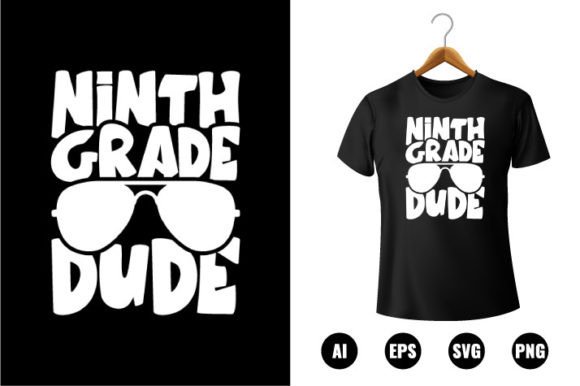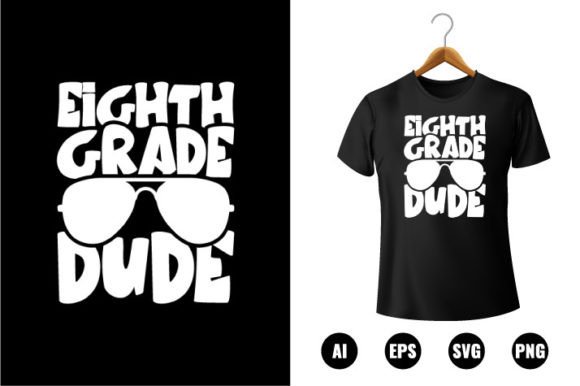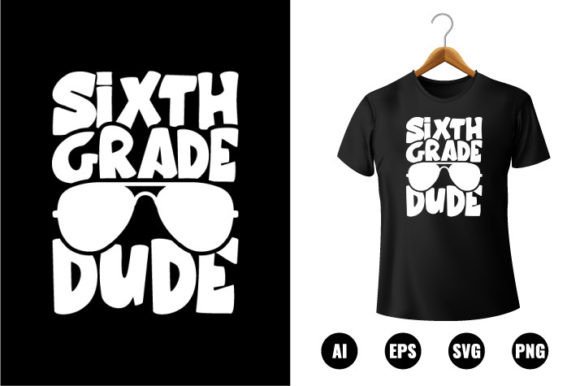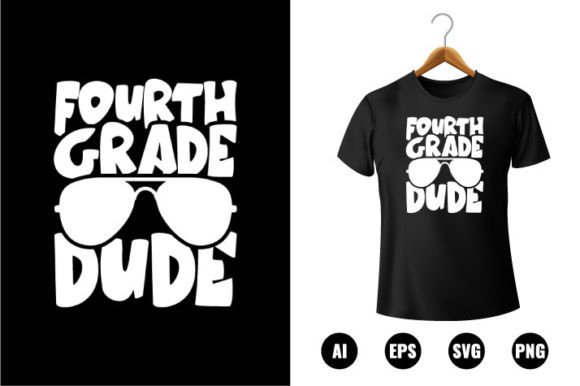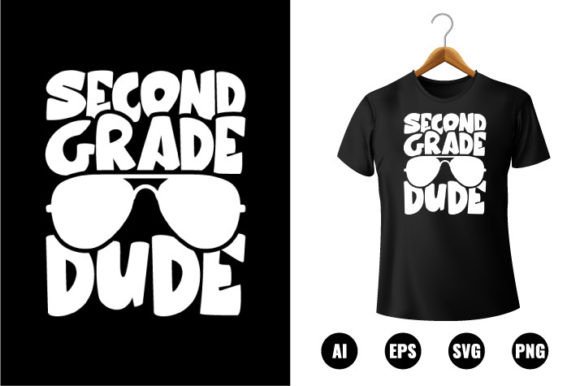
2nd Grade Dude T-shirt Design
The 2nd Grade Dude T-shirt Design is a versatile, production-ready digital asset built for creators who need reliable, scalable graphics for back-to-school projects—and beyond. It’s not just a themed illustration; it’s a functional design system optimized for real-world use across apparel, signage, classroom materials, and promotional products. Whether you’re launching a small merch line, preparing student welcome kits, or building branded learning resources, this design serves as both a visual anchor and a technical foundation.
Where It Fits in Your Creative or Business Workflow
This design enters your process at multiple points—not just as a final output, but as an enabler. Before printing, it streamlines prep: no redrawing, no pixel hunting, no font licensing concerns. During execution, its vector structure supports rapid iteration—swap colors for school spirit weeks, adjust sizing for toddler vs. adult tees, or isolate elements for vinyl cutting. After launch, it becomes reusable infrastructure: the same SVG file can generate stickers for reward charts, PNG overlays for digital newsletters, or EPS assets for vendor handoff.
Unlike raster-based clip art, the 2nd Grade Dude T-shirt Design stays crisp at any scale because it’s built from 100% vector shapes. That means when you resize it to fit a tote bag or shrink it for a badge, edges remain sharp and file size stays lean. No upscaling artifacts. No quality loss. Just consistent output—across platforms, devices, and production methods.
File Formats That Match Real-World Needs
You’ll receive AI, EPS, PNG, and SVG files—each serving a distinct role in your workflow:
- AI (Adobe Illustrator CC): Your editing hub. Open it to tweak typography, rearrange layers, or replace the “2nd Grade Dude” text with a specific class name or school mascot. Fully layered and labeled for quick navigation.
- EPS: Industry-standard for print vendors. Send this directly to screen printers, embroidery digitizers, or sign shops—no conversion needed, no compatibility surprises.
- PNG: Transparent-background version, ideal for mockups, social media posts, or digital classroom slides. Delivered at 300 DPI, so it prints cleanly even on letter-sized handouts.
- SVG: Web-native and lightweight. Embed it in HTML emails, LMS dashboards, or interactive PDFs without bloating load time.
All files are print-ready out of the box—no bleed adjustments, no missing fonts, no RGB-to-CMYK guesswork. They’ve been pre-tested for commercial printing standards, including safe margins and color separation readiness.
Editing Without Friction
“Easy to edit” isn’t marketing language here—it reflects deliberate construction. Every element is grouped logically: body, speech bubble, accessories, and background are separate layers. Colors are defined in global swatches, so changing the dude’s shirt from navy to school green updates every instance in one click. Text remains live and editable—not outlined—so you can personalize it for individual classrooms or grade-level variations.
If you’re using this for teacher appreciation bundles, swap in custom names or dates. For homeschool co-ops, change the grade marker (“2nd Grade Dude”) to “Grade 2 Explorer” or “Second Year Scholar”—no redesign required. Because all 100 shapes are vector-based and ungrouped by default, you can also extract individual icons (like the pencil, backpack, or star) for use in lesson plans or behavior charts.
Integration With Common Tools and Platforms
This design works where you already do work. In Canva? Import the PNG or SVG for drag-and-drop customization—even non-designers can recolor and resize confidently. In Cricut Design Space or Silhouette Studio? Load the SVG to cut iron-on vinyl or create layered decals. Using Printful or Gooten for print-on-demand? Upload the EPS or AI file directly—their systems recognize vector paths and preserve clean edges.
Educators using Google Slides or PowerPoint can paste the PNG at full resolution and retain clarity on projectors or tablets. Bloggers embedding it into WordPress posts benefit from the SVG’s responsiveness—no blurry fallbacks on mobile. And if you’re managing inventory across Etsy, Shopify, and local craft fairs, keeping one master AI file ensures brand consistency while letting each channel pull the right format for its needs.
Preparation and Organization Best Practices
Start by saving your master AI file with version control: “2nd_Grade_Dude_v1_Master.ai”, then duplicate before editing. Name variants clearly—e.g., “2nd_Grade_Dude_SchoolName_RedShirt.ai”—to avoid overwriting originals. Store all formats in a dedicated folder with subfolders for “Print_Ready”, “Web_Use”, and “Source_Files”. This prevents accidental use of low-res PNGs for large-format prints or outdated EPS versions with old color specs.
When sharing with vendors or collaborators, include a brief README.txt listing: which file to use for which purpose, color mode (CMYK for print, RGB for web), and any known limitations (e.g., “Text is editable only in AI/EPS”). Clear labeling cuts down on back-and-forth and rework.
Efficiency Gains Across Use Cases
Consider a small business owner launching a back-to-school collection. With this design, they skip hiring a designer for basic tee layouts—cutting $150–$300 per SKU. A curriculum developer building printable behavior trackers saves hours manually tracing clip art; instead, they drop in the SVG, recolor key elements, and export PDFs in under five minutes. A PTA volunteer coordinating spirit wear orders uses the same AI file to generate previews for different shirt colors, then exports PNGs for the sign-up form—all before lunch.
That efficiency compounds over time. Once you’ve customized the design for one purpose—say, adding your school’s logo next to the dude—you can save that composition as a new template. Next year, update the grade number and reuse the layout. Consistency builds recognition. Reusability builds leverage.
Quality Control and Long-Term Usability
Because all files render at 300 DPI and support full color replacement, you maintain creative control without sacrificing fidelity. There’s no hidden raster layer masking poor vector construction—every shape is clean, closed, and properly aligned. That means fewer errors during print prep, fewer customer complaints about blurry details, and fewer last-minute fixes before a school fair deadline.
For long-term use, treat the AI file as your source of truth. Avoid editing exported PNGs or SVGs for major changes—go back to the AI, make edits there, then re-export. This preserves editability and avoids accidental flattening or compression. Also, periodically audit your folder: delete unused variants, archive seasonal versions, and verify that embedded fonts (if any) remain licensed for ongoing use.
Realistic Implementation Tips
Don’t wait for “perfect” before using it. Start small: print one test shirt, stick one decal on a water bottle, or add the PNG to your class newsletter. Notice how the colors hold up on fabric versus paper. Test the SVG in two browsers to confirm rendering stability. Then scale up—apply what you learned to batch production.
If you’re collaborating with others, share the AI file *and* a PDF guide showing where layers are located and how swatches map to common school colors (e.g., “Swatch ‘Spirit Blue’ = Pantone 2945 C”). Clarity here prevents miscommunication and wasted time.
Finally, remember this isn’t just about t-shirts. The 2nd Grade Dude T-shirt Design is a modular visual component. Its energy, clarity, and adaptability make it useful anywhere you need approachable, age-appropriate, and production-ready imagery—whether that’s a bulletin board border, a reading incentive chart, or a welcome banner for open house night.